
BlogUsing Notchpals
Using Notchpals
How Notchpals works, how to pick your crew, and why its characters remind you the way they do.
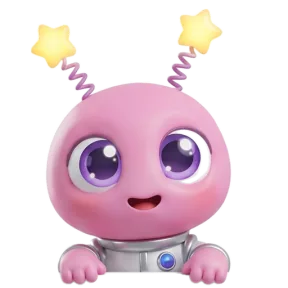 Using NotchpalsEverything Notchpals can remind you about, area by areaA tour of the 10 Notchpals areas, from water and lunch to battery and meetings: what each one reminds you about, when, and crews for different days.
- Using NotchpalsHow to pick your Notchpals crew, starting with your weakest habitBlip looks after your eyes, and you choose two more areas. How to pick them from the habits you slip on most, match characters to your taste, and choose a host.
- Using NotchpalsMeet Notchpals: the characters who live in your Mac's notchNotchpals is a Mac app whose characters peek out of the notch to remind you to drink water, rest your eyes, move and sleep. How it works, and who it is for.
 Using NotchpalsReminders that know when not to remind youHow Notchpals stays quiet on calls, in full screen apps and while you are away, keeps each moment to its hour, and what it does not detect.
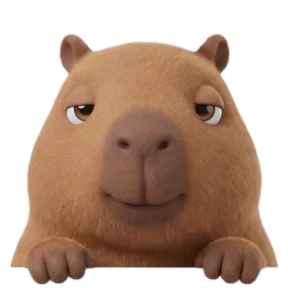 Using NotchpalsWhat Notchpals knows about you, and what it never seesNo account and no analytics. What Notchpals reads on your Mac to time a reminder, why it needs each thing, and the only reasons it ever goes online.
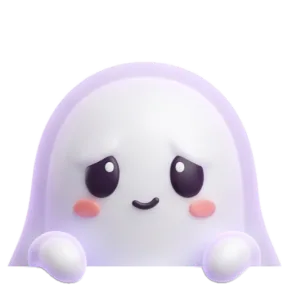 Using NotchpalsWhy a character in the notch beats another notificationReminders fail when they look like every other banner. Why a character in the notch, with its own voice and better timing, gets noticed, not swiped away.
- Using NotchpalsYour first day with Notchpals: setup, the trial and what to expectNotchpals sets itself up in the notch, guided by Blip. Each step of setup, the sample reminder, the menu bar, Browse, and what happens when the trial ends.